Search through our database of lost and found items to reunite with your belongings
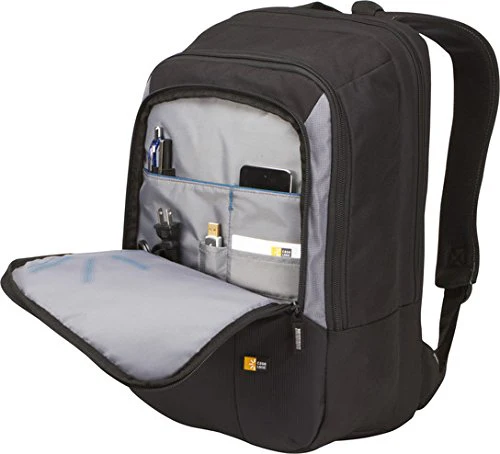
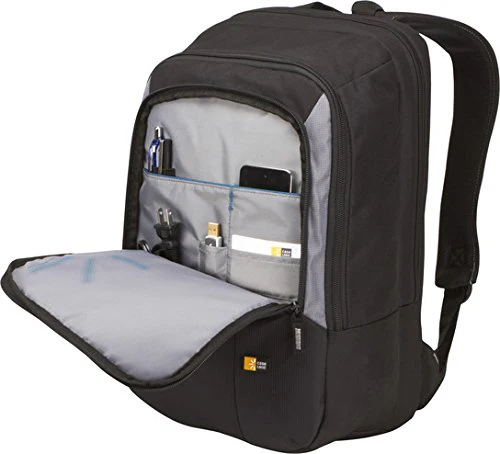
Black backpack with a front organizer panel (pen holders, phone pocket) and grey interior lining. Padded laptop compartment.
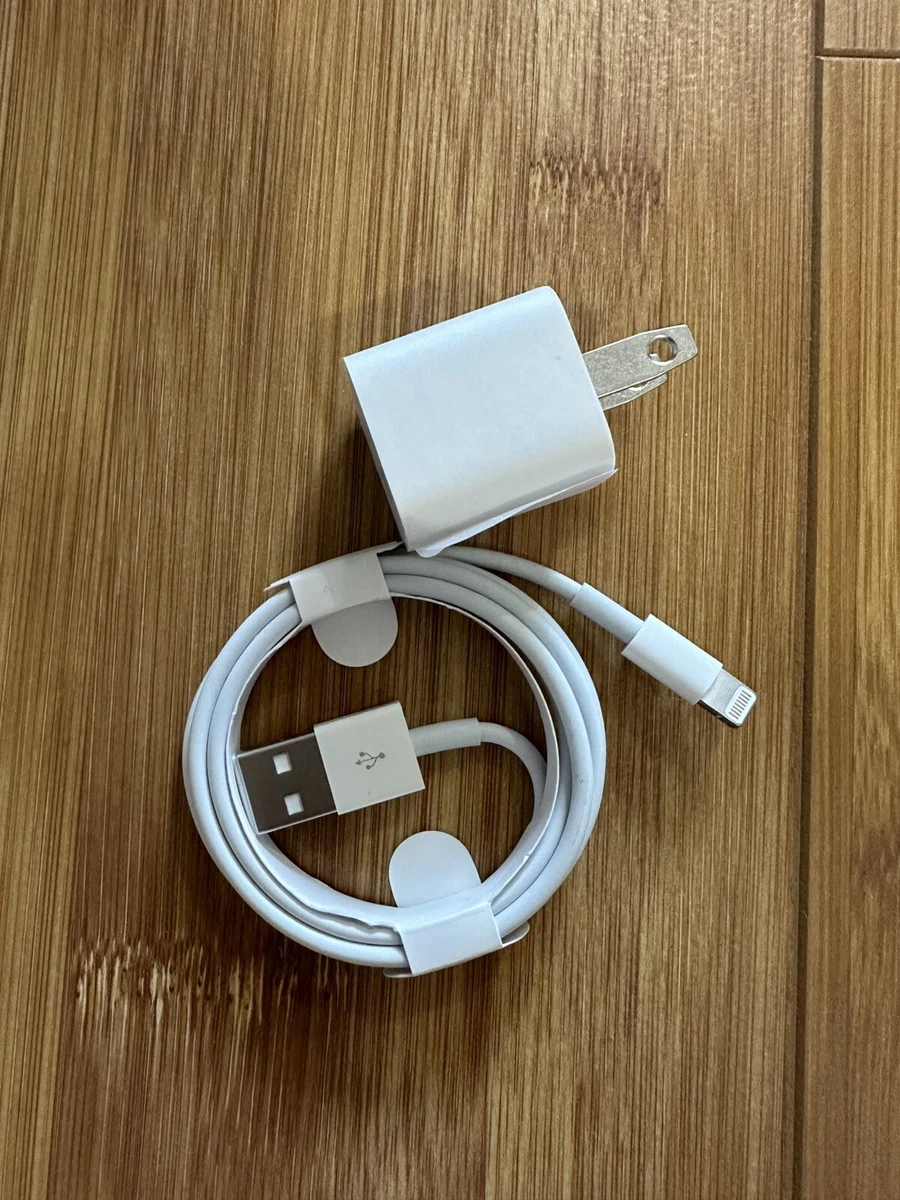
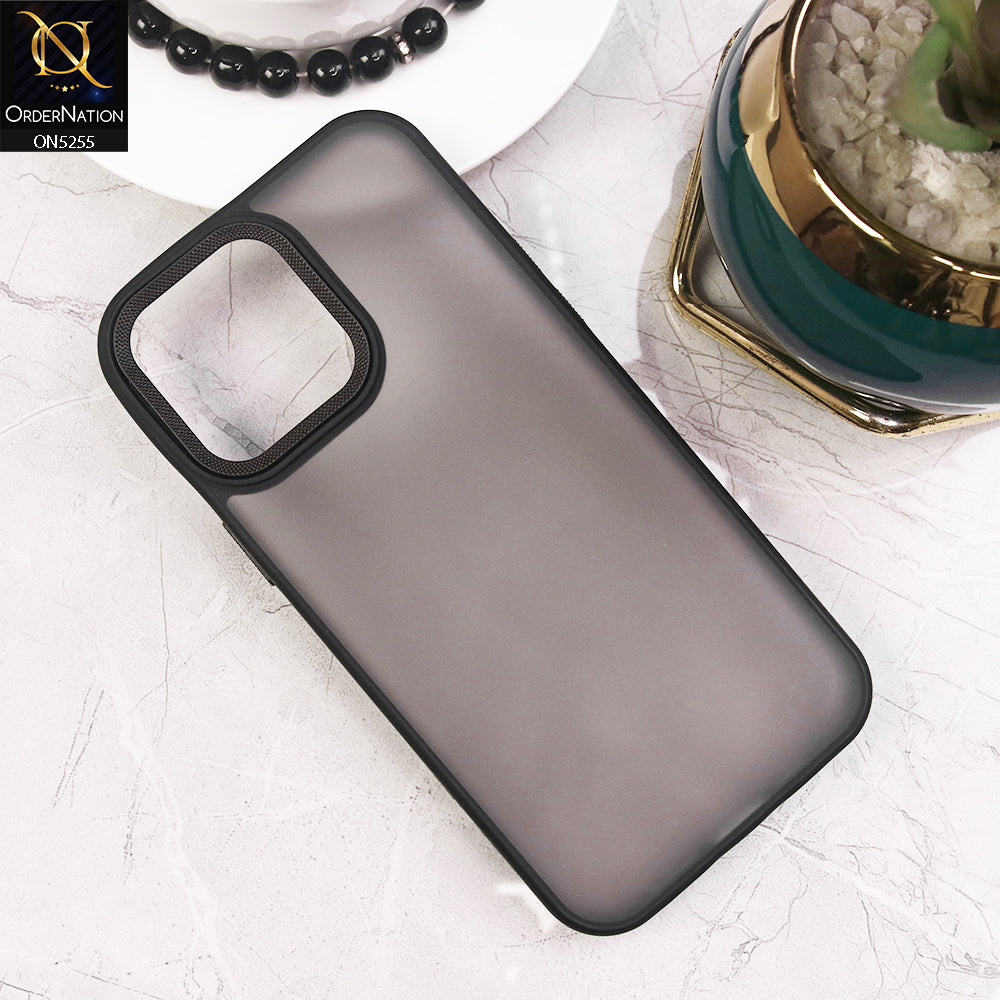
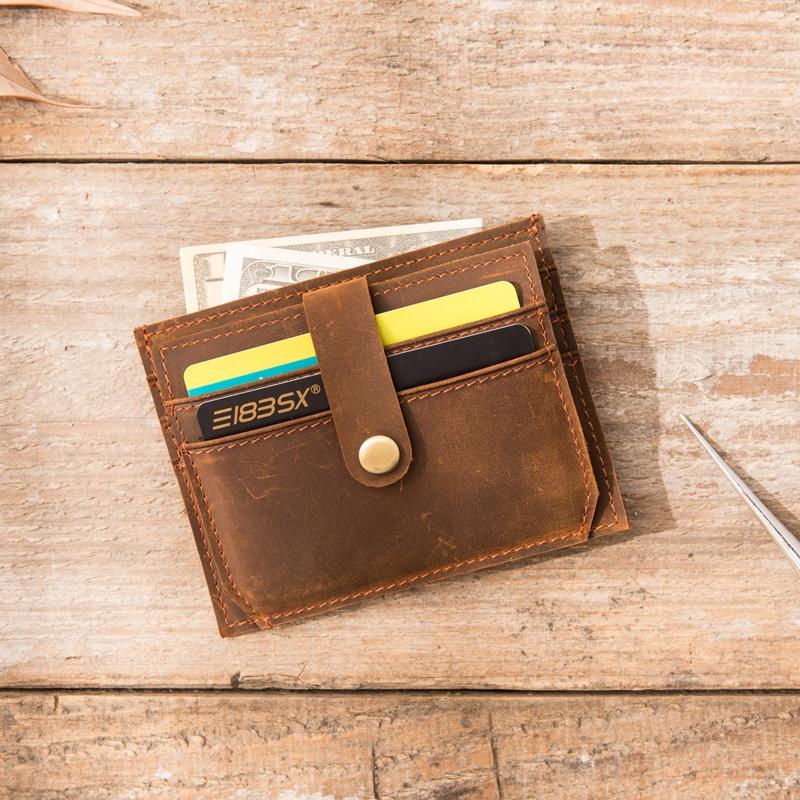
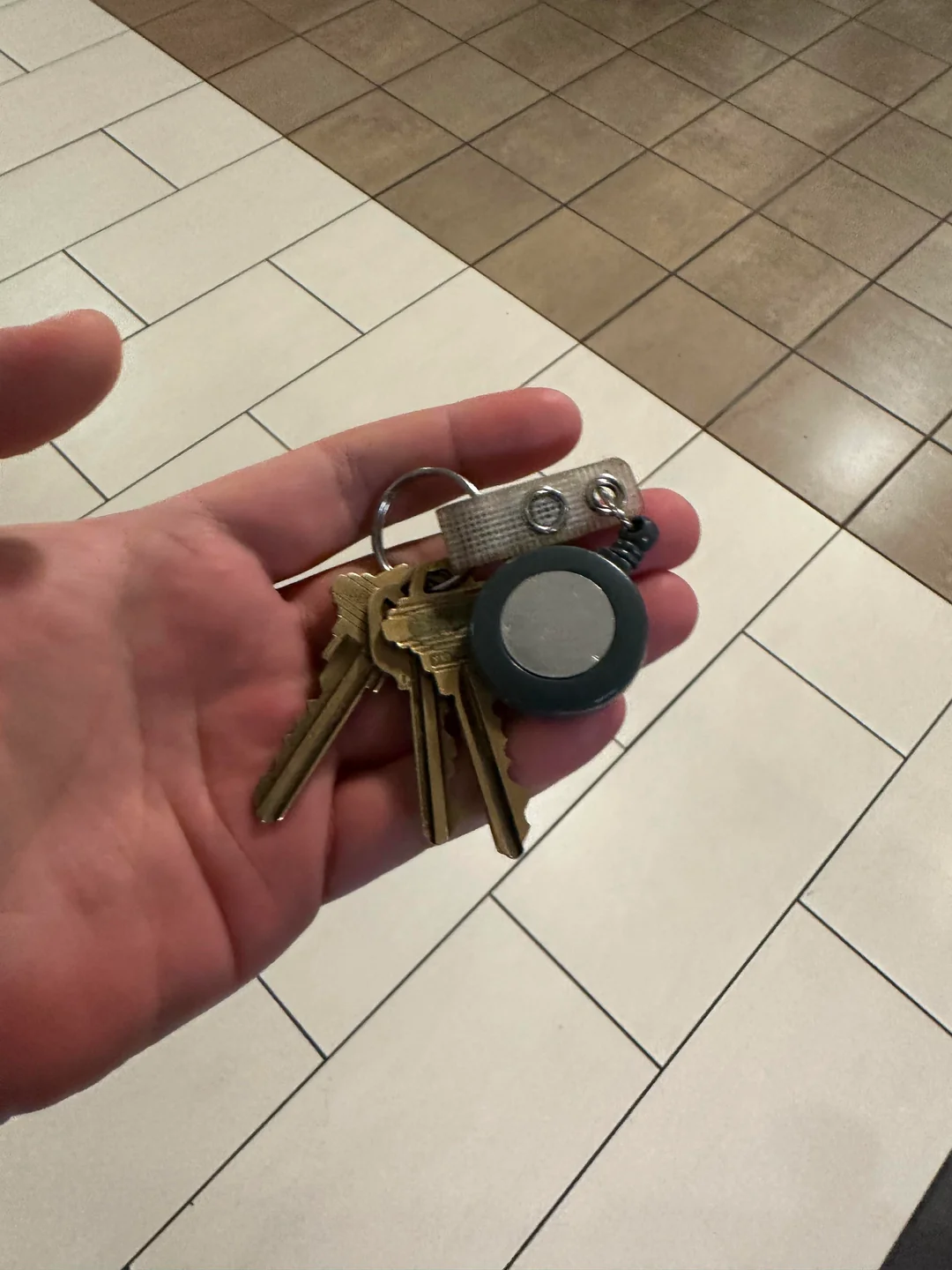
Use the search bar or browse through the categories to look for items that match what you lost. You can filter by item type, location, or whether the item is reported as lost or found.
Click on an item to see its full details, including description, images, date reported, and the location where it was found or lost. Compare these details with your item.
If the item looks like yours, use the contact or claim option to reach out to the person who reported it. Provide additional details to confirm that the item belongs to you.
Once ownership is verified, arrange a safe place to collect the item. After receiving it, mark the item as recovered so the community knows it has been returned.